
📋 Blog Summary
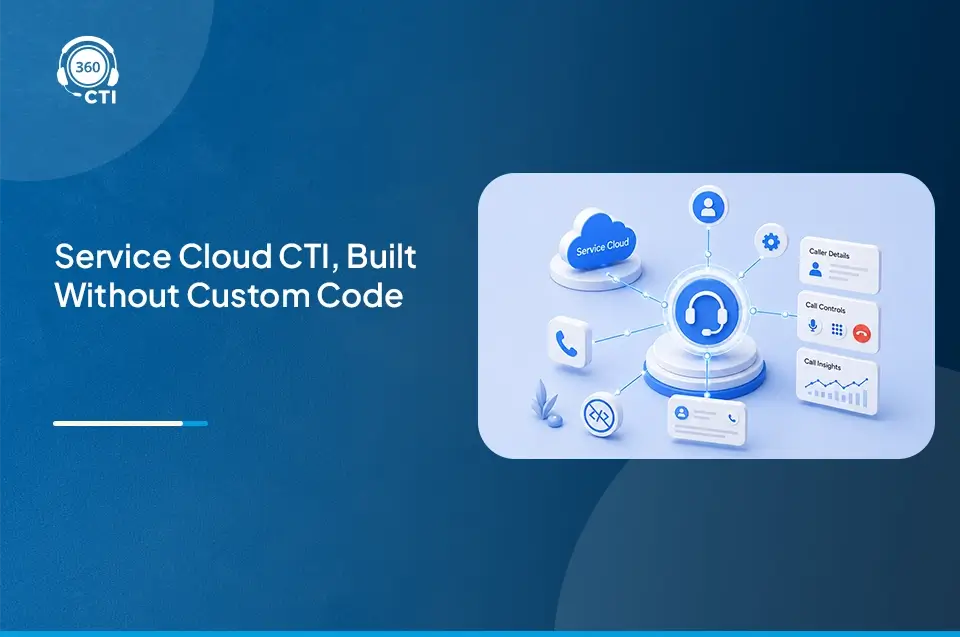
Most support teams run Salesforce and their phone system as two completely separate tools — and it's costing them context, time, and customer trust on every call. Salesforce telephony integration with 360 CTI connects every call directly to the CRM so agents work from one screen, logging happens automatically, routing is smarter, and managers get real-time visibility into what's happening on the support floor.
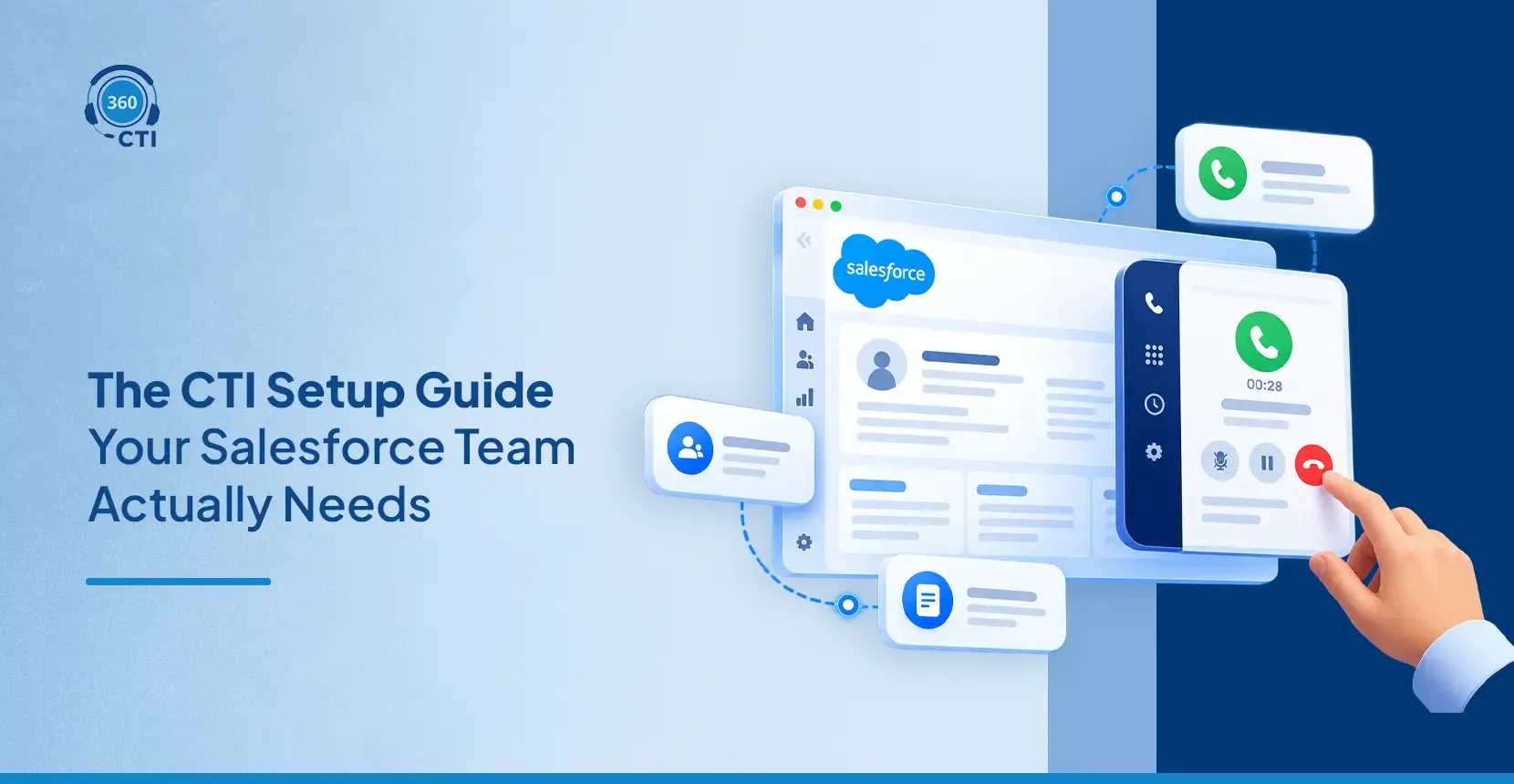
Most support teams run Salesforce and a phone system as two completely separate tools. That split costs agents context on every call, slows resolution times, and leaves managers without reliable data. Salesforce telephony integration connects every call directly to the CRM so agents work from one screen, logging happens automatically, and no customer detail gets lost between conversations.
Support teams trust the phone more than almost any other channel. Customers with real problems pick up the phone. A failed payment, a missed delivery, a billing dispute they want a person, not a form.
The problem isn't the phone. It's what happens around it. Agents pulling up records manually while the caller waits. Notes typed in a rush after a call. Managers guessing at performance because reports don't reflect what actually happened. Salesforce phone integration is the direct fix for all of this. It makes the phone native to your CRM so that every call connects to the right record, every outcome logs without manual work, and every agent starts the conversation knowing who's on the line.
360 CTI is built as a Salesforce-native telephony solution with no middleware, no separate dashboards, and no hardware. This blog covers what most support teams are still getting wrong and exactly what good integration looks like in practice.
What Support Teams Get Wrong With Salesforce Phone Integration
Most support teams know their phone setup isn't working well. But they often can't pinpoint exactly where the breakdowns are happening. These four patterns come up most consistently.
Phone and CRM Running as Separate Systems
The agent takes a call on one device, looks up the customer in Salesforce on another screen, and manually cross-references both throughout the conversation. There's no automatic connection between the call and the record. Context drops, especially when the customer has called before.
Manual Call Logging After Every Interaction
When the call ends, the agent types up notes, marks a disposition, and sets a follow-up task. On a busy day with 30 calls, this adds up to 90 minutes of pure admin. The entries are rushed and inconsistent. Managers making decisions from these logs are working with a filtered, incomplete version of reality.
Routing Calls Based on Availability, Not Suitability
Calls land on whoever picks up first rather than whoever is best equipped for that specific issue. A billing question goes to a technical agent. A renewal query goes to a new hire. Each mismatch costs resolution time and customer patience.
No Visibility During Live Calls
Managers can see call volume in dashboards but can't see what's happening inside individual calls without sitting next to someone. Coaching is reactive, based on what went wrong last week rather than what's going wrong right now.
Each of these is a solvable problem. None of them requires rebuilding your support operation from scratch.
How Salesforce Telephony Integration Fixes Each Gap
Salesforce telephony integration means connecting your phone system directly to Salesforce so that calls, records, and workflows run as one. Here's what that looks like feature by feature.
1. Screen Pops That End Cold Call Openings
Every agent has experienced the awkward opening. The call connects and before they say a word, they're scrambling to find the account. The customer can hear the typing. The first impression is already off.
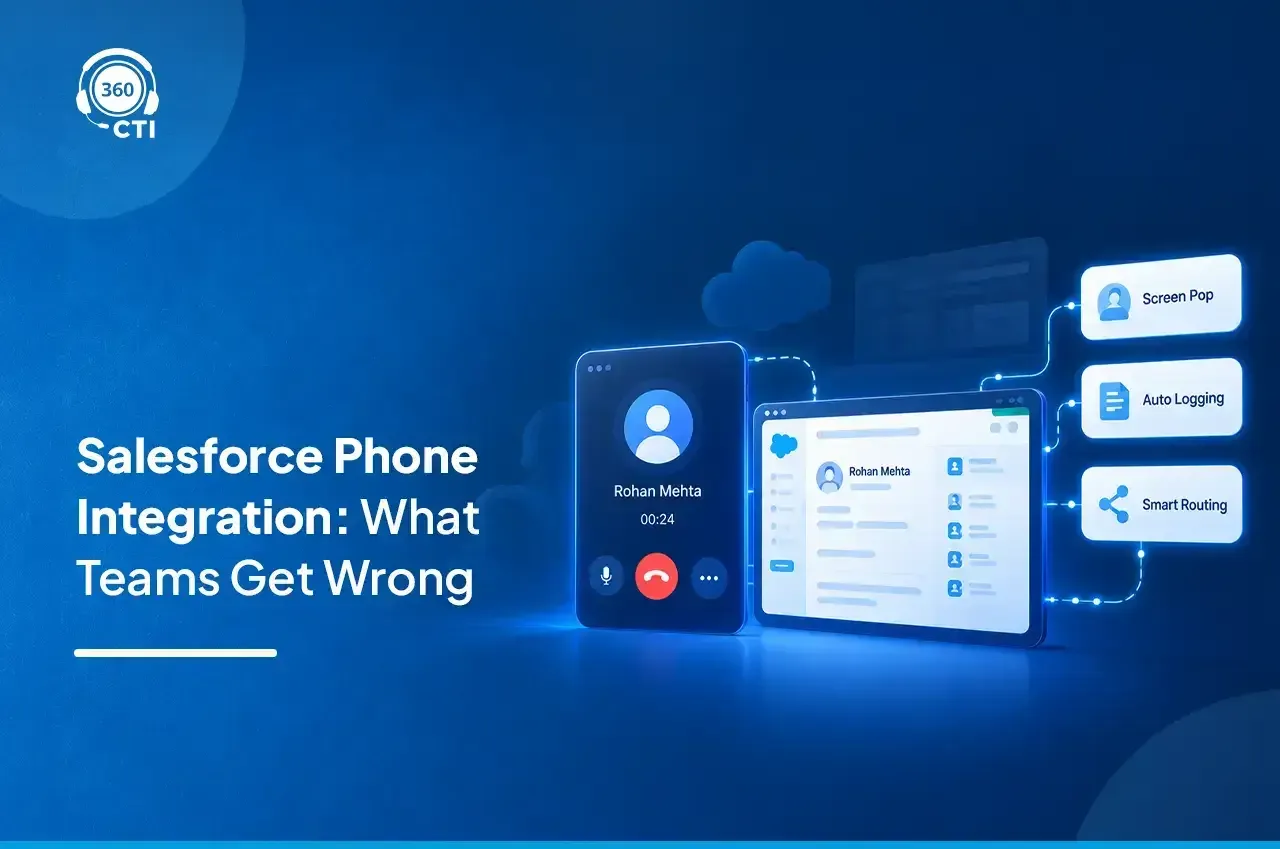
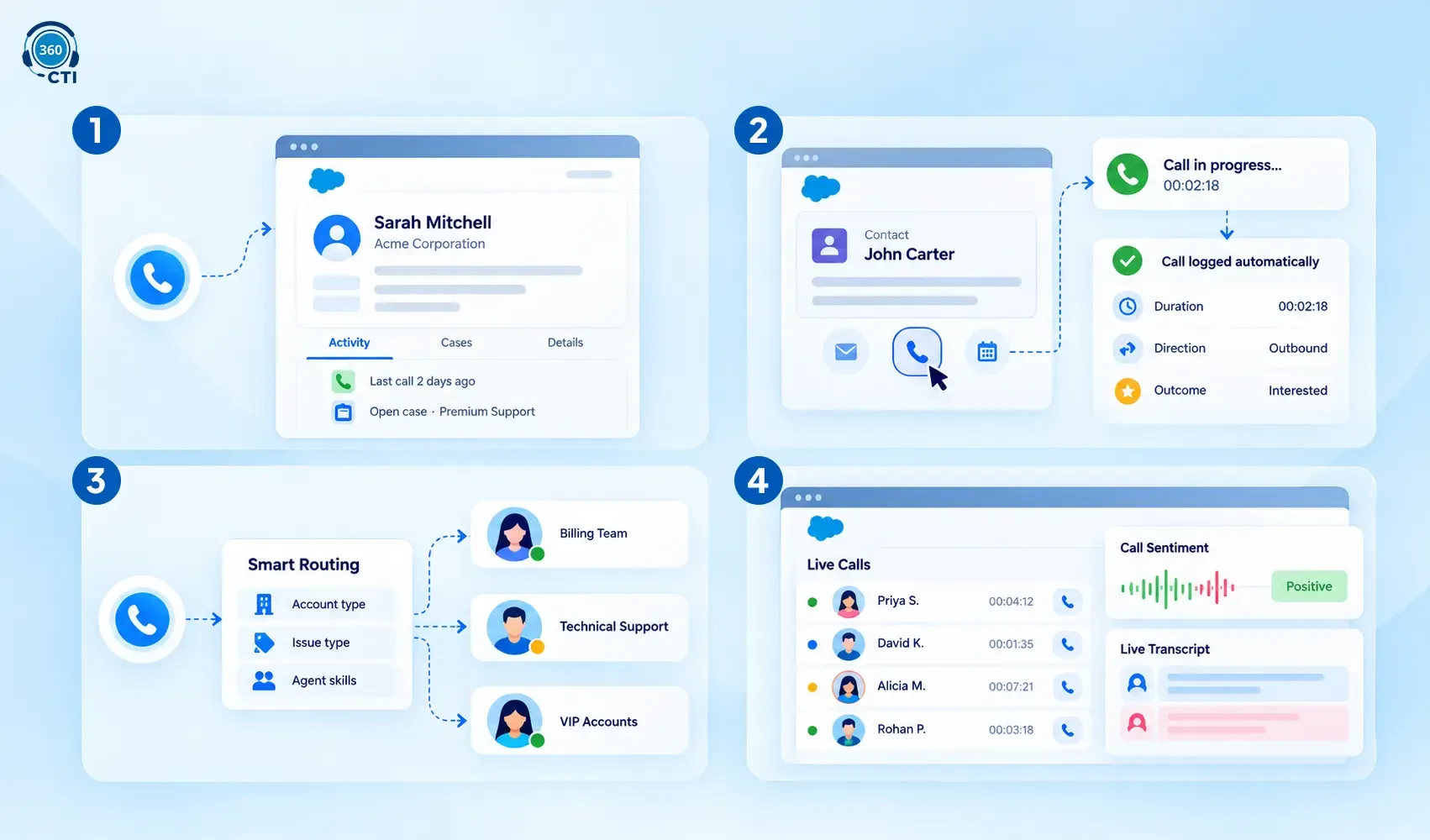
Screen pop functionality in Salesforce fixes this directly. The moment an inbound call connects, 360 CTI identifies the number, matches it against your Salesforce records, and surfaces the contact or lead record on the agent's screen automatically. Call history, open cases, account tier, last interaction — all visible before the agent says hello.
For support teams handling hundreds of daily inbounds, this isn't a convenience. It's the difference between a rep who sounds prepared and one who sounds lost.
| Without Screen Pops | With Screen Pops |
|---|---|
| Agent asks for name and account number on every call | Agent opens with context from the last interaction |
| Customer repeats issue from a previous call | Agent references the open case immediately |
| 60 to 90-second lookup delay per call | Record visible before call connects |
| Higher average handle time | Faster resolution and shorter calls |
📌 Did You Know
When agents have instant access to a caller's history and open cases, average handle time drops significantly. Not because agents rush, but because they don't spend the first two minutes of every call establishing context the CRM already holds.
2. Click-to-Dial and Automatic Call Logging in Salesforce Telephony Integration
Two actions consume enormous amounts of agent time every single day: dialing numbers and logging what happened after. Both can be automated completely.
Click-to-dial in Salesforce lets agents start any outbound call directly from a record. One click on a phone number inside Salesforce places the call. No dialing, no switching apps, no copying numbers across screens.
Automatic call logging captures call duration, direction, timestamp, and outcome and writes it to the Salesforce record the moment the call ends. With 360 CTI's AI features enabled, a call summary and sentiment score are added automatically as well. The agent closes the call. Salesforce already knows what happened.
For support managers, this changes the reliability of every report. Data reflects actual call activity rather than what agents had time to type after a long shift.
Is your team still manually logging every call outcome?
Automatic call logging in 360 CTI writes outcomes and summaries to Salesforce the moment a call ends.
See How It Works →3. Smart Call Routing That Matches the Right Agent to the Right Call
Most support teams route calls based on availability. Whoever's free picks up. It's the simplest setup and consistently one of the most expensive mistakes a support operation makes.
Smart call routing in Salesforce directs each inbound call based on configurable logic. Caller history, issue type, agent skill set, case priority, or any combination of Salesforce data can drive the routing decision. A customer with an open billing case gets routed to the billing team. A high-value account reaches a senior agent. A returning customer connects back to the rep they spoke with last time.
360 CTI's Multilevel IVR and sticky caller ID work together to make this happen natively inside Salesforce, with no external routing software and no middleware involved.
The result is fewer transfers, faster resolution, and higher first-contact resolution rates across the board.
4. Real-Time Manager Visibility Across the Support Floor
Support managers typically find out what went wrong on a call after it happened. A complaint comes in, a supervisor listens to a recording, and coaching happens days later. By then, the rep has handled 50 more calls using the same approach.
Real-time call monitoring through 360 CTI gives managers live visibility into active calls, including who's on a call, how long it's been running, and whether intervention is needed. AI call monitoring includes sentiment analysis and live transcripts, so a manager can see when a call is going sideways before it ends.
Coaching becomes proactive rather than retrospective. Quality improves faster when corrections happen in real time rather than in a debrief a week later.
The Hidden Cost of Getting Salesforce Telephony Integration Wrong
Here's the number most support leaders don't track: agent time lost to phone-related admin.
If an agent handles 25 calls per day and spends 4 minutes per call on manual logging, record lookup, and routing mismatches, that's 100 minutes of non-support work per agent per day. Across a 15-person support team, that's 25 hours a day going to tasks that Salesforce telephony integration handles automatically.
That's before accounting for the customer-side cost. According to Salesforce's State of the Connected Customer research, 88% of customers say the experience a company provides matters as much as its product. Agents who are slow to pull up context, prone to transfers, and relying on outdated notes are eroding that experience on every call.
The fix isn't hiring more agents. It's giving the agents you have the right tools from the start.
A separate point worth raising: research from Harvard Business Review found that companies responding to inbound inquiries within an hour are seven times more likely to have a meaningful conversation. For support teams handling inbound volume, speed of response and quality of context go together. You can't have one without the other when your phone and CRM aren't connected.
Which Support Teams Benefit Most
Support teams aren't all the same. The value of Salesforce telephony integration shows up differently depending on how your team operates, what volume looks like, and what your agents are held accountable for. Here's where the impact tends to be sharpest.
High-Volume Contact Center Teams
Teams handling 50 to 500 calls per day see the most immediate impact from Salesforce telephony integration. Automatic logging eliminates the admin backlog. Screen pops cut average handle time. Smart routing reduces transfers. At scale, each improvement compounds across hundreds of daily interactions.
Financial Services and RM Teams
RM teams handling loan inquiries, service requests, and payment disputes need call history visible on every interaction. Every call is a compliance-relevant touchpoint. Automatic logging and recording captured inside Salesforce means every conversation is documented without relying on agents to remember to do it after a difficult call.
Education and Enrollment Teams
Enrollment staff handling prospective student outreach need number masking, automatic logging, and volume support. They can't use personal numbers and they can't afford missed follow-ups. 360 CTI routes calls from the business number, logs every interaction to the student record, and keeps staff contact details private across the full outreach cycle.
Wrapping Up
Most support teams don't have a people problem. They have a tooling problem. When the phone and the CRM run separately, every interaction starts with a handicap that no amount of agent effort fully fixes.
Salesforce telephony integration closes that gap. The right record surfaces before the call starts. Outcomes log the moment it ends. No admin, no guesswork, no missed follow-ups.
360 CTI does this natively inside Salesforce your existing CRM data drives the entire call experience. If your team is still bridging two disconnected systems manually, that gap is costing more than you're tracking.
Related Read:
https://360cti.com/blog/salesforce-telephony-integration-the-what-and-the-how-for-2026/
https://360cti.com/blog/the-ultimate-guide-to-salesforce-cti-integration/